155 tweaks
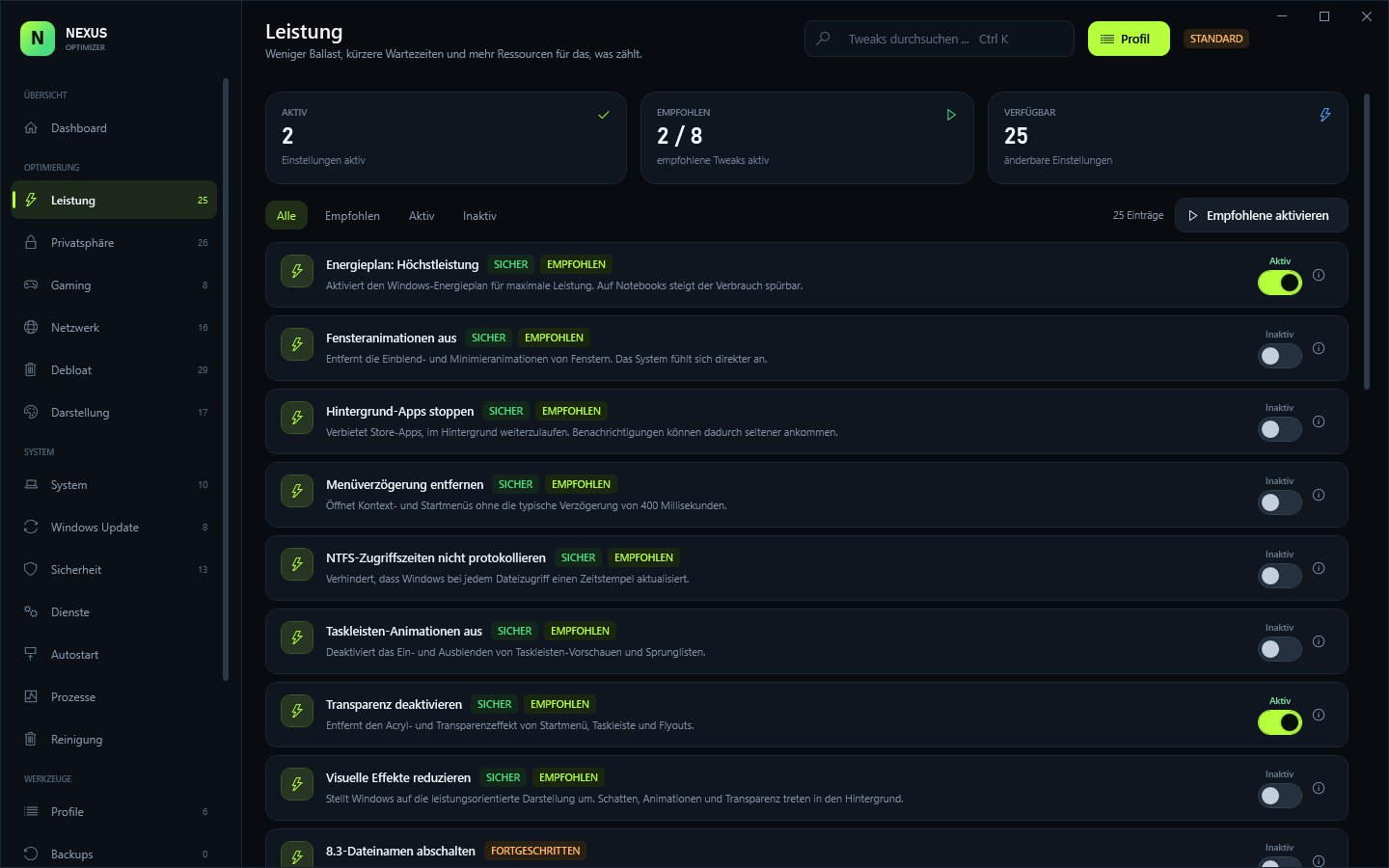
Nine categories, exact state detection and a risk level for every entry.
Windows 10 & 11 · v1.0.0 · 100% local
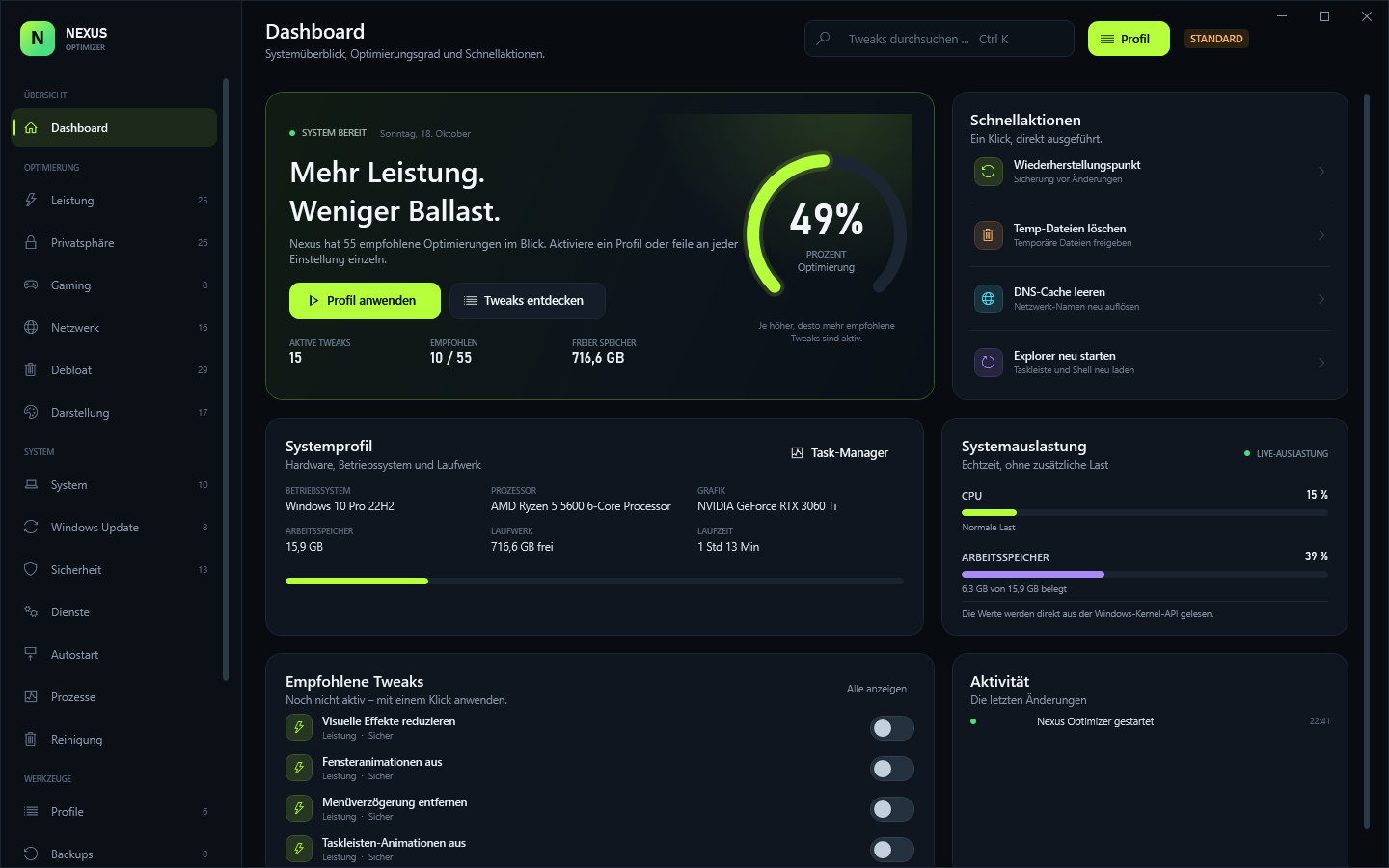
A local tweaking panel for Windows: 155 tweaks, six profiles and a real backup before every change.
Features
Nine categories, exact state detection and a risk level for every entry.
The previous registry or service state is stored as JSON before every change.
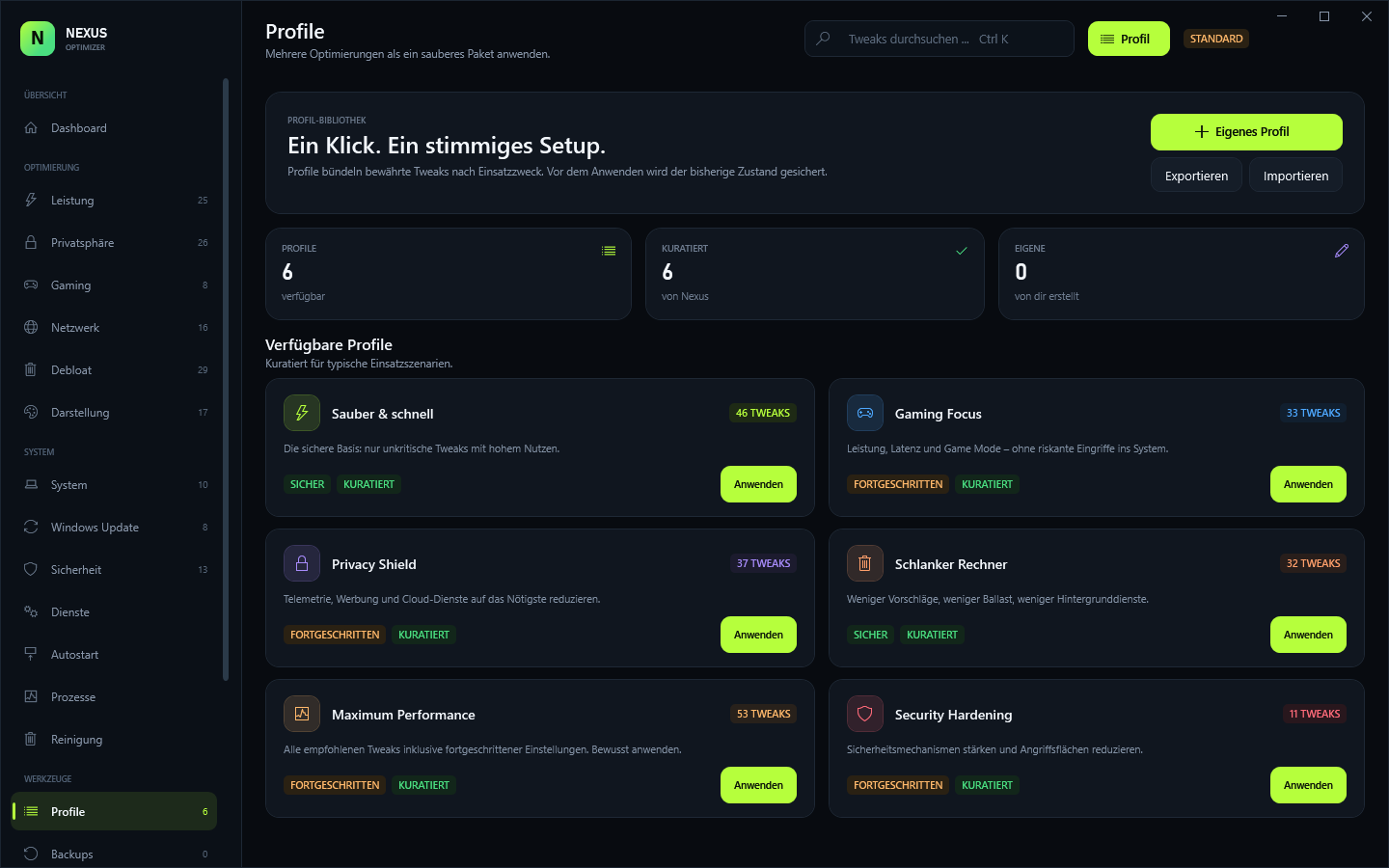
Curated sets from Clean & Fast to Maximum Performance — or build your own.
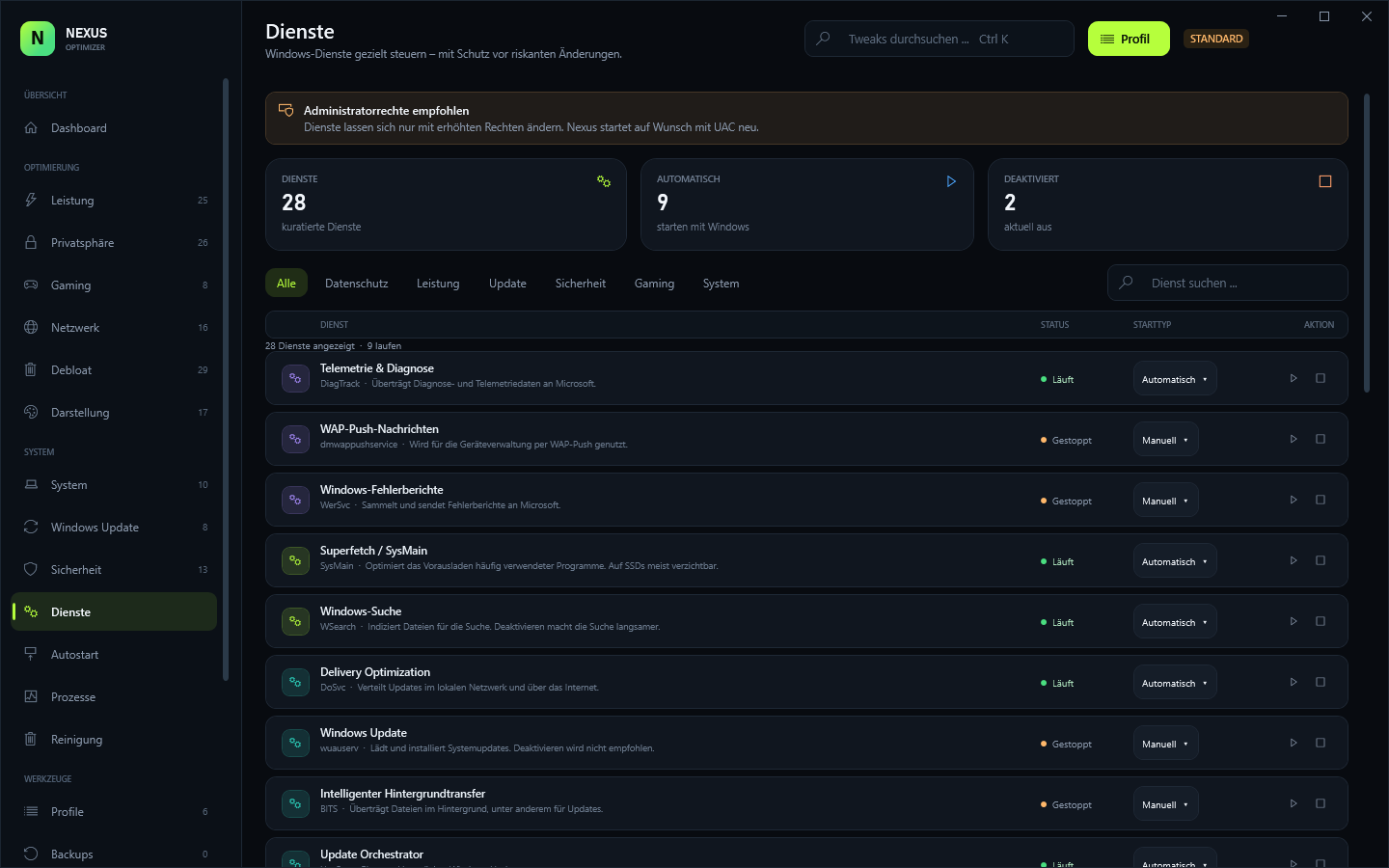
28 curated services plus autostart entries from registry and startup folders.
Confirmations for critical entries, restore points and zero telemetry.
The same engine in the dark app and in NexusCLI.exe for scripts.
Modules
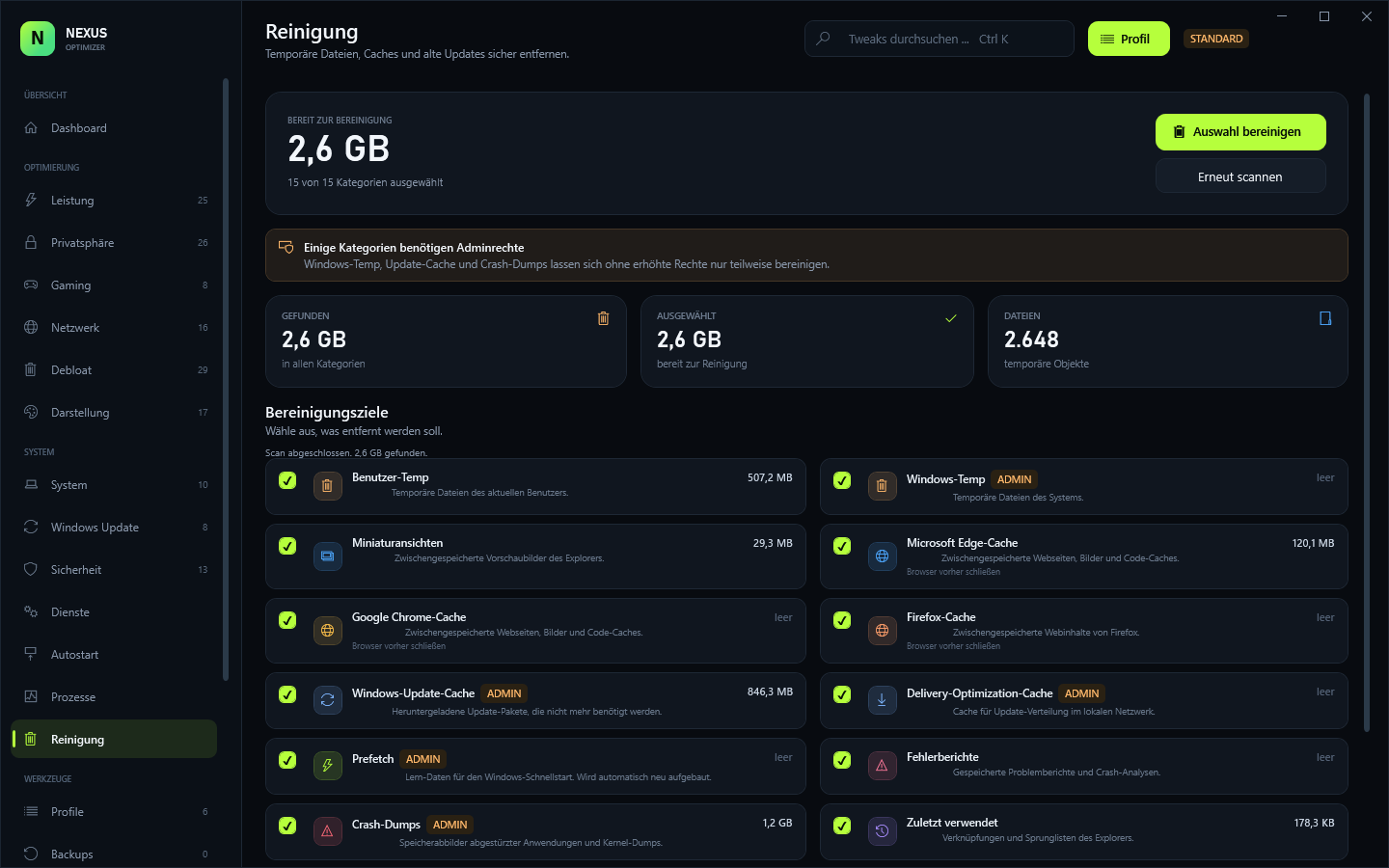
Screenshots
Yes. The download is free, but the app needs a key and the installer is only available inside the portal with an active license.
The owner creates an invite code and a license key in the admin panel. There is no self-checkout.
Yes. Every change stores the previous state as JSON, and Windows restore points are an extra layer.
No cloud sync and no telemetry. The only call is the license check; everything else stays under %LOCALAPPDATA%\NexusOptimizer.
Installer, portable EXE, the terminal version NexusCLI.exe and the matching license-api.txt — all in the portal.
Download
Installer, portable EXE, terminal version and API config — all behind your license.
License required · Windows 10/11 x64 · .NET 4.8